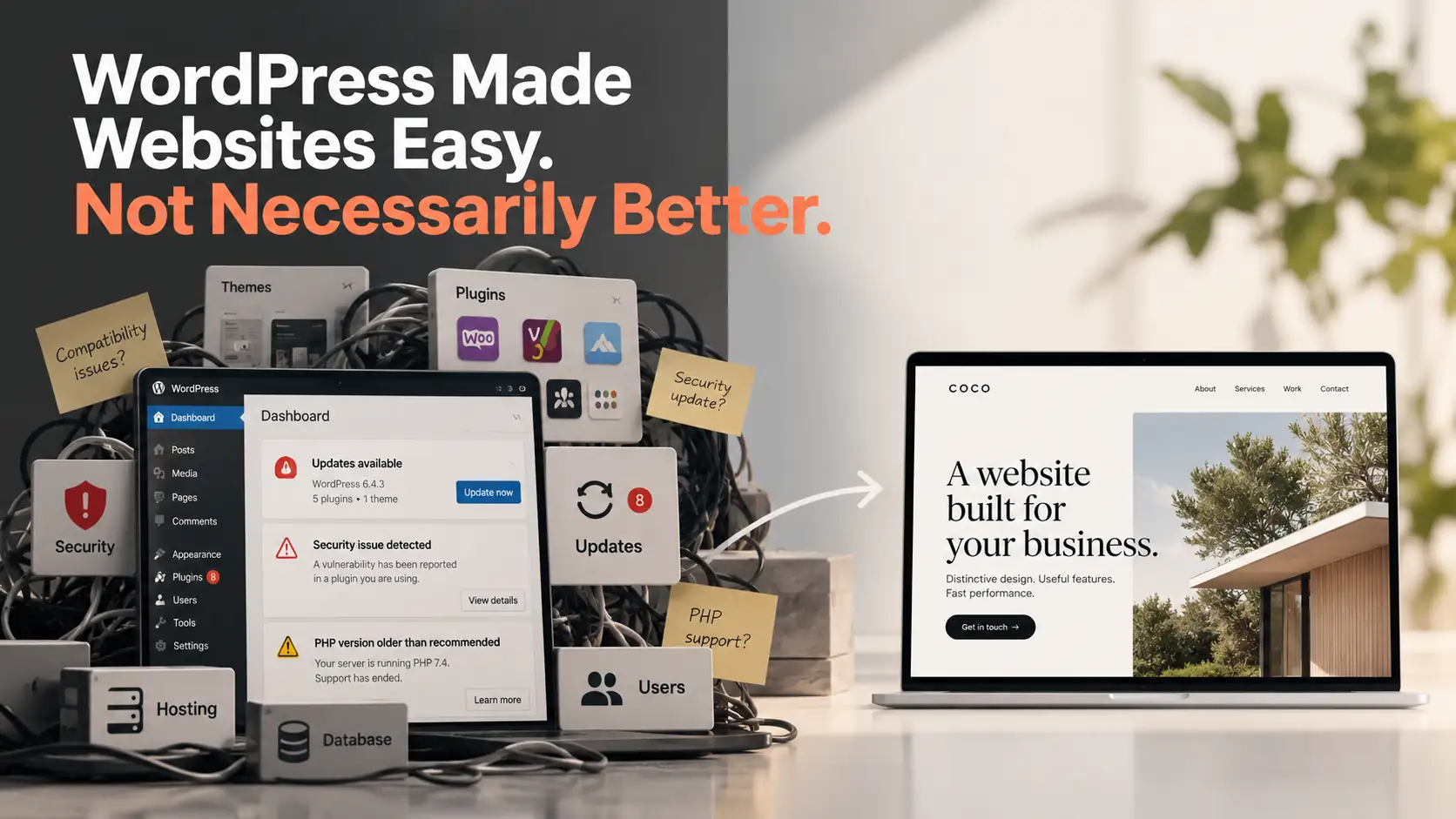
WordPress makes it easy to get a business website online. A theme, a page builder and a few plugins can produce a respectable result quickly.
We’ve worked with WordPress and still recommend it when the requirements suit it. But it is no longer our default for new business websites.
The reason is practical. A website that looks good on launch day still needs to remain secure, perform well and fit the way a business operates. For a small business owner, achieving all three in a heavily customised WordPress build can cost much more than the initial quote suggests.
1. Security is an ongoing job across the whole stack
A WordPress site is more than WordPress itself. It usually includes a theme, plugins, PHP, a database, hosting infrastructure and accounts with different levels of access. Each part needs attention.
A plugin can have an unpatched vulnerability. A staff member can accidentally expose an administrator password. An older PHP version can fall outside supported security releases. Even routine updates need compatibility checks and a recovery plan.
This is not a claim that WordPress is inherently insecure. Proper hosting, least-privilege accounts, multifactor authentication, backups, patching and monitoring can manage these risks.
It is about the amount of ongoing work involved. Patchstack’s 2026 WordPress security report recorded 11,334 newly identified vulnerabilities in the WordPress ecosystem in 2025, with 91% found in plugins. These are reported vulnerabilities across an ecosystem, not a percentage of WordPress websites that were compromised.
WordPress also advises site owners to keep the PHP runtime updated, alongside core software, themes and plugins.
For a service website that mostly presents information and routes enquiries, we ask whether the public site really needs a continuously running CMS, plugin ecosystem and database. Removing unnecessary components can reduce the attack surface. It does not eliminate the need for security engineering.
2. A template gets you started; bespoke design takes a different effort
Themes and page builders have made professional-looking websites more accessible. Standard layouts can be assembled quickly, and that is valuable when a business just needs to get started.
But it’s easy to recognise the patterns: similar hero sections, card grids, navigation and interactions. They are familiar because the same components are used again and again.
A distinctive website takes more than changing colours and photographs. The way a club explains its activities, or a service business handles an enquiry, may need a different layout and customer journey.
WordPress can support fully custom themes and features. The constraint is commercial rather than absolute: changing a page builder’s conventions, avoiding plugin conflicts and adapting a template to an unusual workflow can absorb time that might be better spent designing the experience itself.
When most of the interface must be custom-built anyway, starting with a template is not always the most efficient choice.
3. Design, functionality and performance should work together
Business owners have three reasonable expectations: a website should look distinctive, help customers complete useful tasks and load quickly on their phones.
With WordPress, all three are achievable. But a sophisticated builder, several third-party plugins, animations and integrations can leave a lot of optimisation work. Caching, scripts, images, database queries, server settings and regression testing all compete for the same project budget.
WordPress’s own performance handbook recommends reviewing themes, plugins and image resources as part of optimisation.
For a small business, paying for careful optimisation after the initial build may be difficult. We would rather account for design, features and speed together from the beginning, with fewer unnecessary dependencies.
Pymble Table Tennis Club: all three in one project
Our work with Pymble Table Tennis Club shows what that approach looks like in practice.
Design: We gave the club a more distinctive sporting identity and made casual play, coaching, fees and first-visit information easier to discover, especially on mobile.
Functionality: The club’s sessions do not always follow fixed opening hours. We built a tailored way to manage and display its schedule, with the next two club activities visible on the homepage. Members can check when to visit without having to piece together separate notices.
Performance: In controlled simulated mobile testing on 26 October 2026, the redesigned homepage recorded a median Largest Contentful Paint (LCP) of 1.16 seconds across three cold loads. The measurement used a 390 × 844 Chromium viewport, 4× CPU slowdown and throttled network conditions. It is laboratory evidence, not a field-user guarantee or a matched before-and-after comparison.
The project isn’t proof that WordPress couldn’t do the same job. It demonstrates how bespoke design, business-specific functionality and performance can be considered together without treating speed as a last-minute repair.
See the Pymble Table Tennis Club case study.
When WordPress is still the right tool
There are good reasons to keep WordPress. A publishing team may rely on its editorial workflow. A WooCommerce business may already have valuable extensions and integrations. A well-maintained existing WordPress site may need a focused improvement, not an expensive rebuild.
We still support WordPress plugin and custom development when it makes business sense.
A lightweight or bespoke site has its own responsibilities, too. Someone must be able to update content, maintain integrations, manage security and support future changes. There is no platform that removes those decisions.
Spend the budget on the business, not the workaround
Our starting point is the work your website needs to do. Who needs to find you? What questions do they have? Which actions should be easy? How will information stay current?
Then we choose the architecture. Sometimes that will be WordPress. Often it will not.
We would rather spend a client’s budget on what makes their business different than on working around a website’s default assumptions.
Talk to Coco about your website if you’re planning a new build or wondering whether your existing site is becoming harder to maintain than it should be.